Flexible access to every Pro feature.
7-day free trial
Private AI meeting notes
Record a meeting. Get a recap.
Stay in the conversation while Sayrecap records and transcribes on your iPhone. Turn the text into decisions, action items, and an Agent Brief when you choose AI.
Links will open when the public builds are ready.

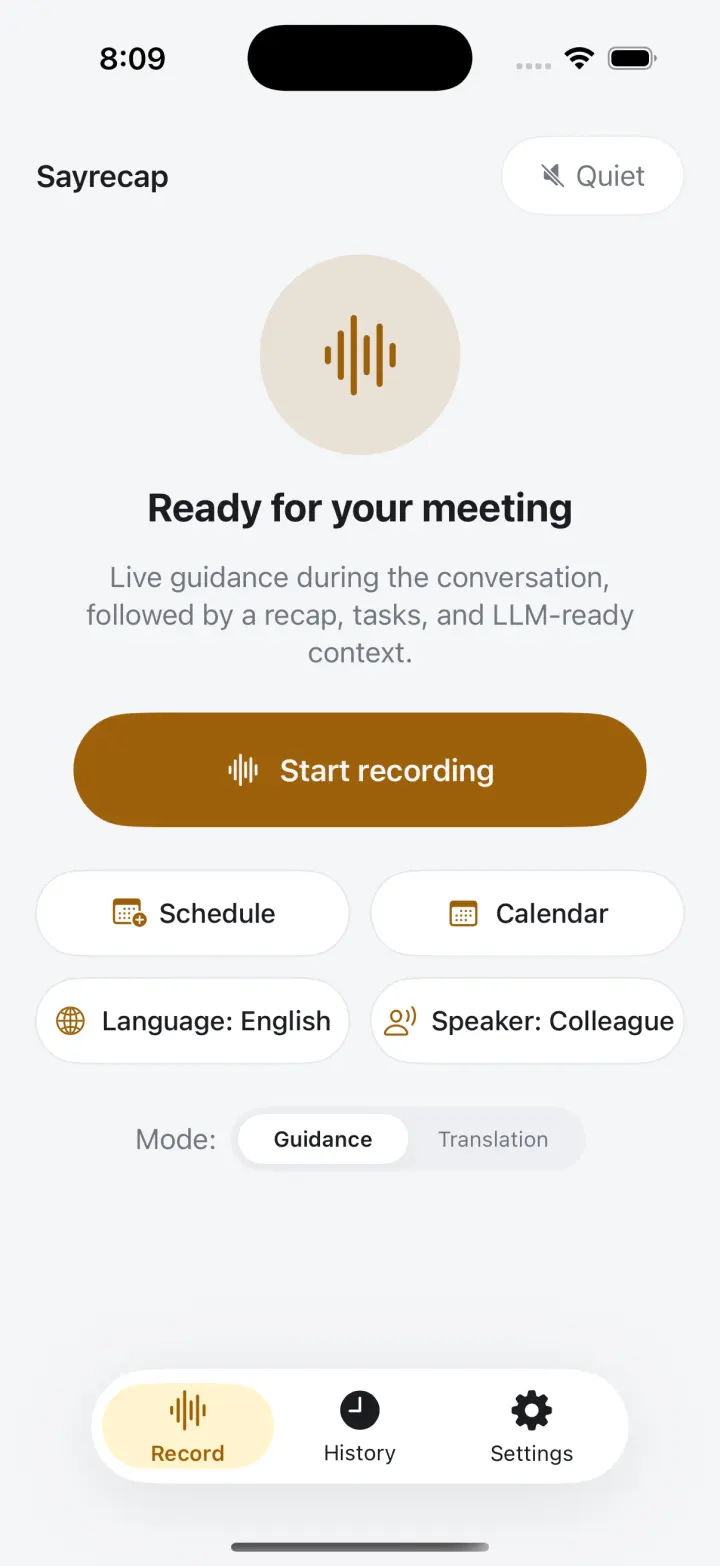
00:00 ready
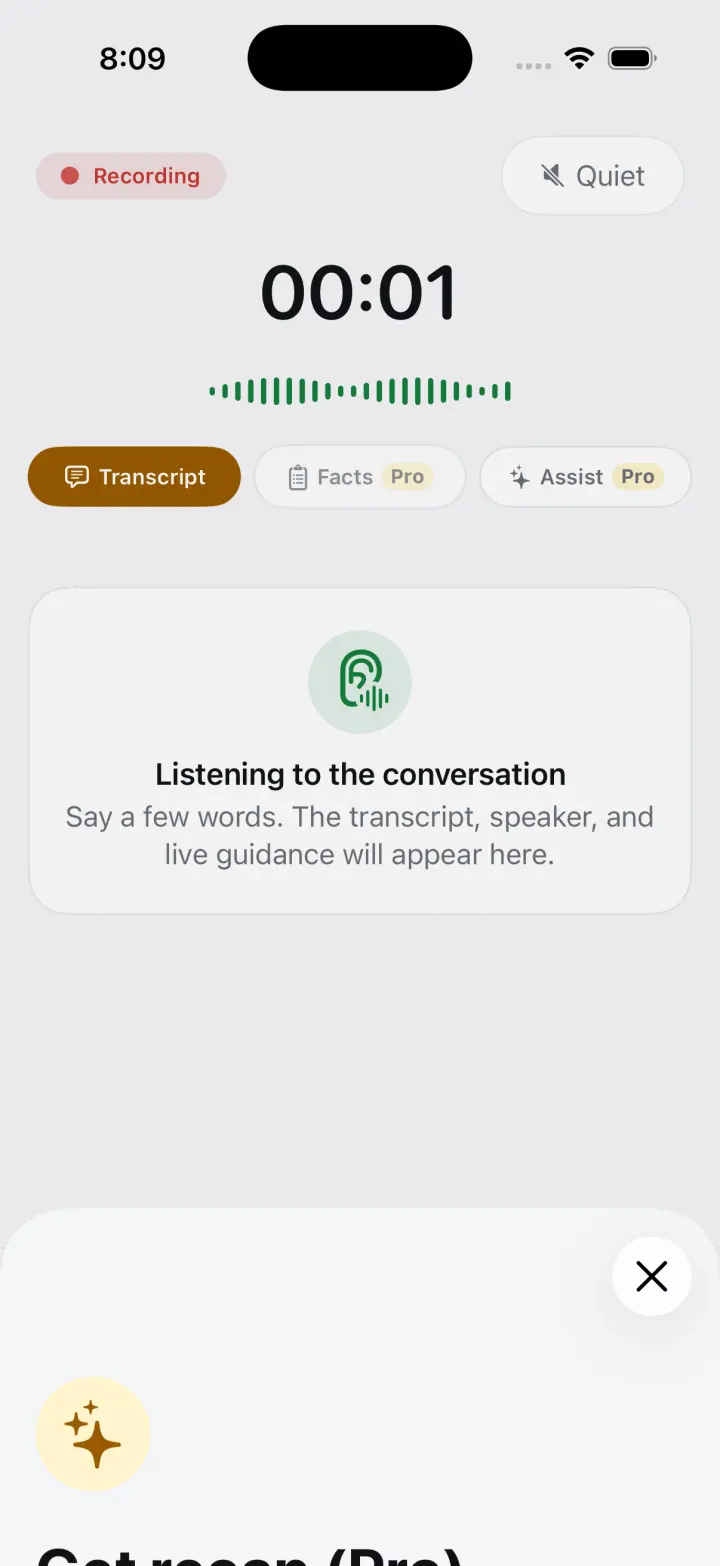
Live transcript & prompter
Keep your eyes on the room.
Follow a timestamped transcript as people speak. Ask for suggested questions or a translation without losing the thread.
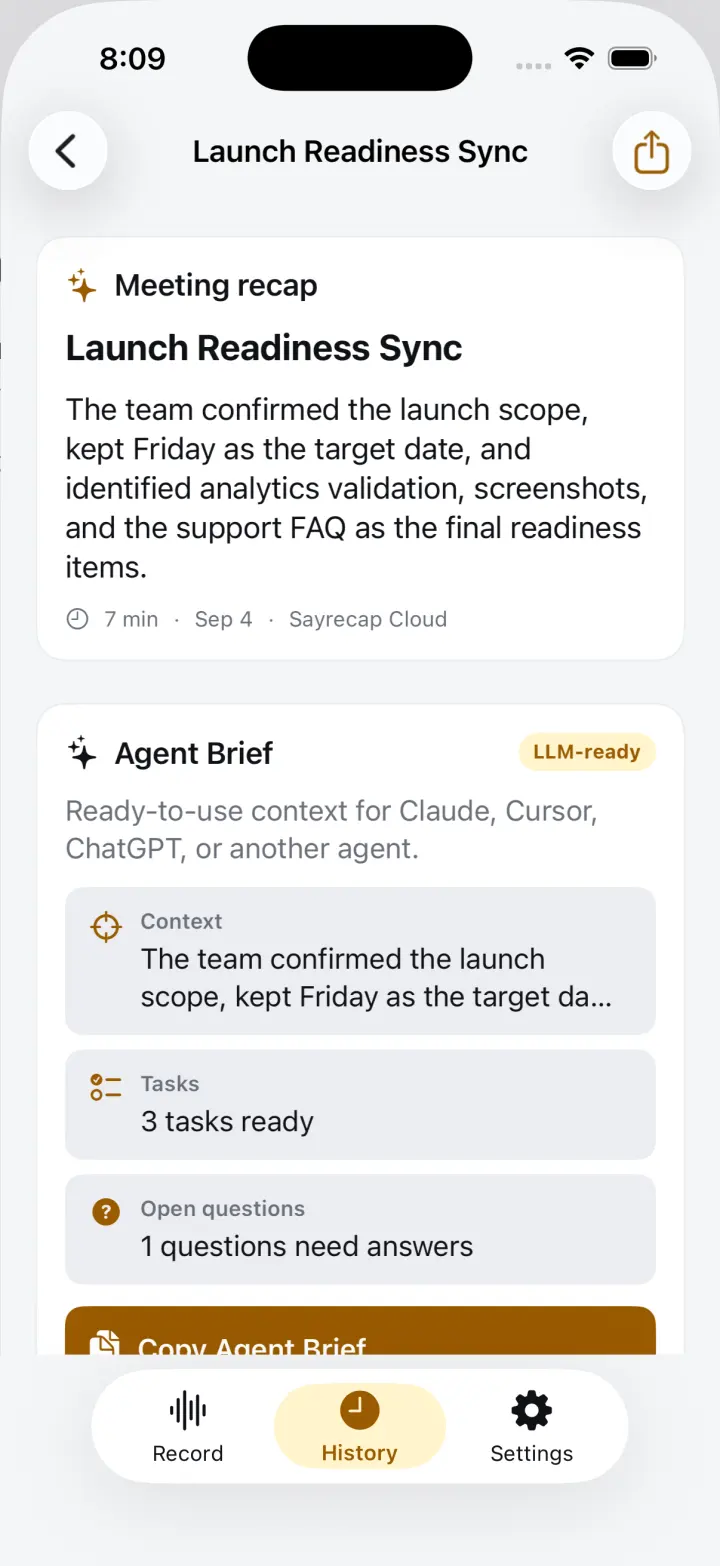
Recap + Agent Brief
From conversation to working context.
Create a focused recap with key points, decisions, and action items. Carry the context into Claude, ChatGPT, or Cursor.
AGENT BRIEFProduct sync · ready
- Decision: ship the private-first experience
- Action: prepare the App Store release
- Context: audio stays on the iPhone
Private by default
The audio never leaves your phone.
Meeting audio and transcripts are stored on your iPhone. Relevant transcript and context text is sent only when you choose an AI action.
1
On-device by default
Audio, transcripts, meetings, and optional Voice ID live in the app’s local container.
2
Text only, by action
Cloud AI receives relevant text when you request a recap, prompt, translation, or another AI feature.
3
No account required
Start recording without creating a Sayrecap account. Delete local data whenever you choose.

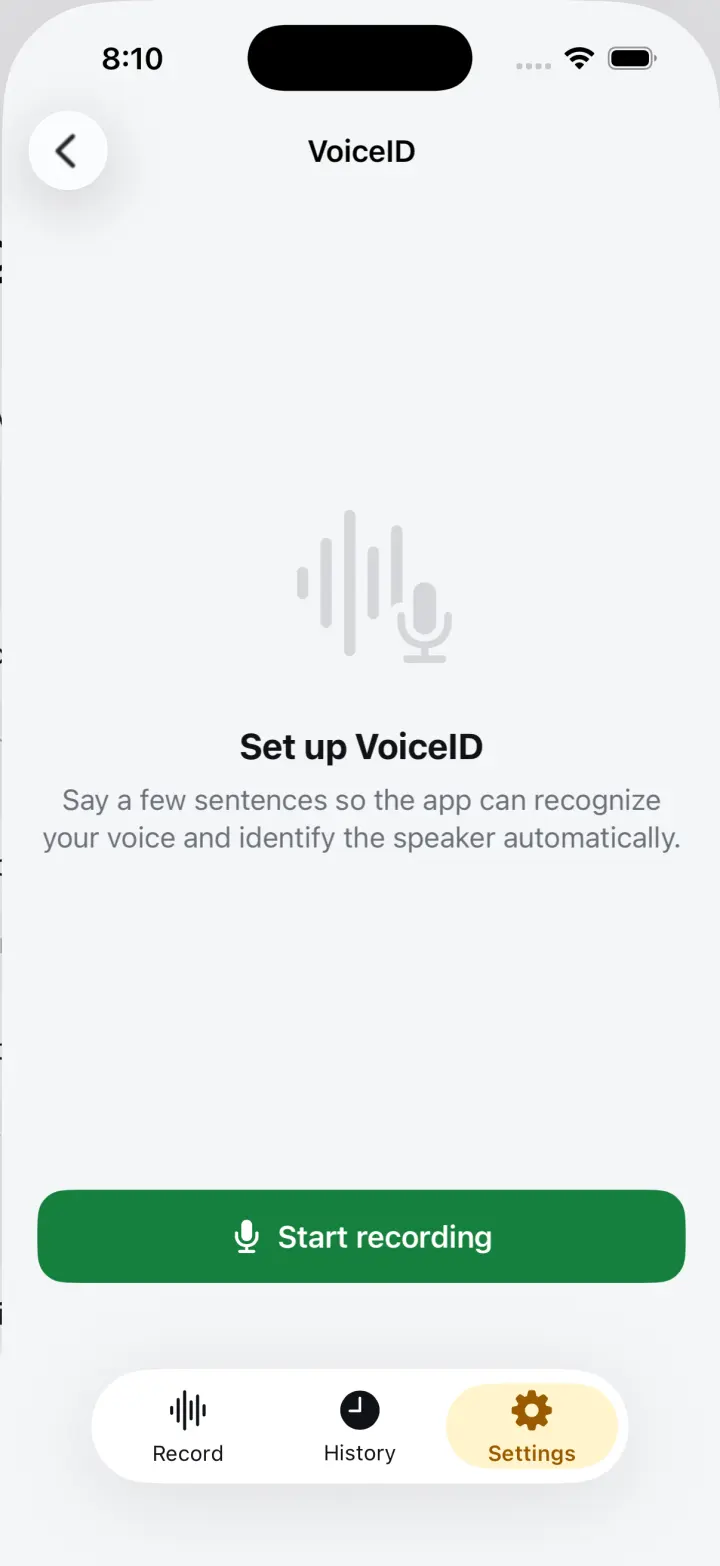
Voice ID
Your voice, recognized on device.
Optionally enroll your voice so Sayrecap can distinguish your speech. The voice embedding stays on your phone and can be removed at any time.
Free vs Pro
Recording stays free. AI goes further.
Start with the complete recording and export toolkit. Upgrade when you want AI recap analysis and follow-up material.
One year of Pro at about $2.50 a month.
7-day free trial| Feature | Free | Pro |
|---|---|---|
| Recording, live transcript, timestamps | ✓ | ✓ |
| Search and sharing | ✓ | ✓ |
| Text, Markdown, and SRT export | ✓ | ✓ |
| AI recap analysis | — | ✓ |
| AI follow-up material | — | ✓ |
FAQ
A few useful details.
Recording needs Microphone and Speech Recognition access. Calendar access is optional.
Enroll in Settings. Sayrecap saves an optional voice embedding on your device to help label your speech; you can delete it at any time.
Pro unlocks AI recap analysis and follow-up material. Recording, live transcript, search, and standard exports remain free.
Use the export or share actions for plain text, Markdown, SRT, PDF, Agent Brief, or structured context.
Transcription offers Automatic, English, and Russian modes. Live assistance also includes translation.